Bring Your Own Model & New Generation Flow
This Week in Hashcards App
A weekly look at what’s new in Hashcards app; the design decisions, the tradeoffs, and what actually changed. This week, two updates that share one goal — improving card generation and giving users the freedom to customize it: one removes limits on generation entirely by letting you pick any model, and the other replaces the chat-based flow with a guided step-by-step generation flow.
Bring Your Own Model (BYOM)
The idea is simple: put generation in the user’s hands. You pick the model, you control the cost, and you’re free to experiment with whichever provider works best for your use case.
With BYOM, you bring and plug in your own API key, then pick from 104+ providers via models.dev and generate without limits. Your key stays on your device and is never sent to our servers.
By default, the app uses built-in models with a credit-based system — zero setup, so you can start generating without needing your own API key.
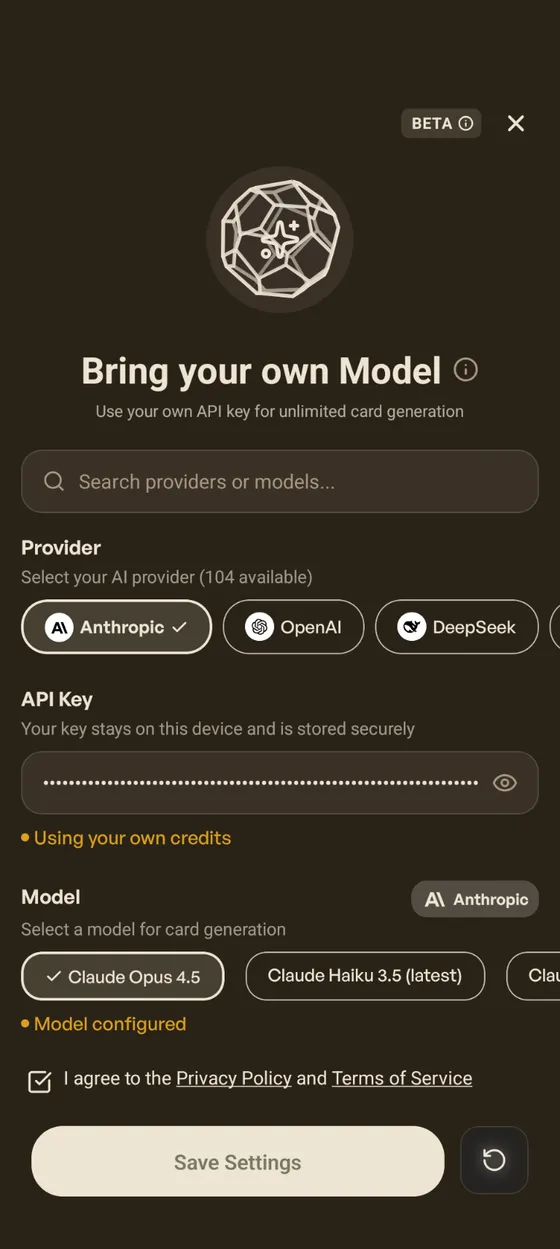
Bring Your Own Model Settings
The Generation Flow
The chat-based flow required typing at every step and reviewing each card before adding it — too much friction. The new guided generation flow is customized — pick your topic, difficulty, and focus areas, then generate a full batch of cards for new or existing decks. No back-and-forth with a chat model required. You can edit or delete cards after.
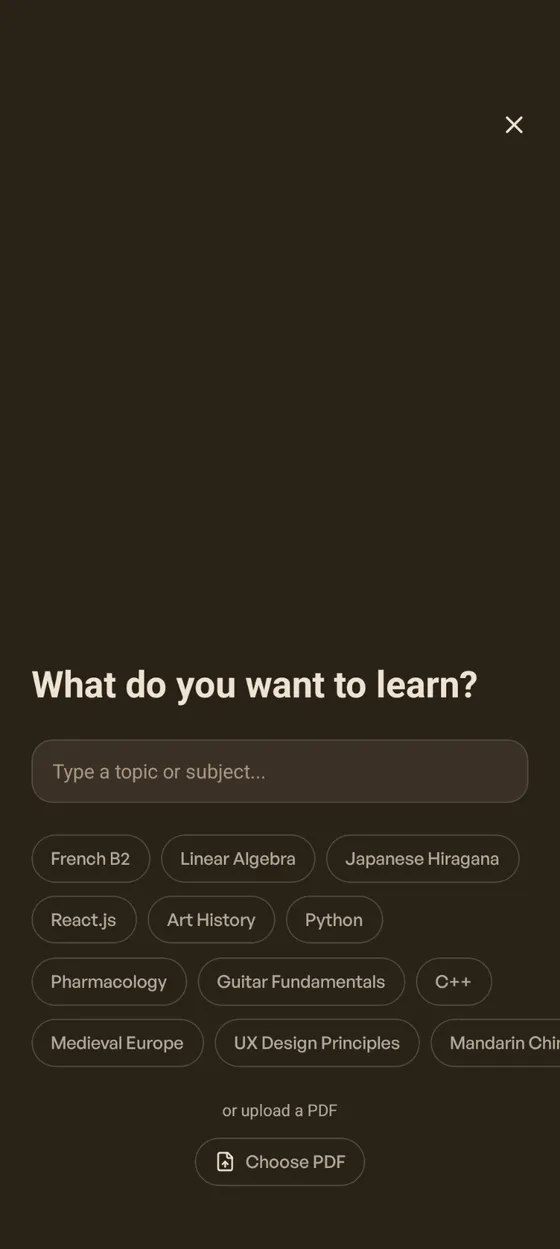
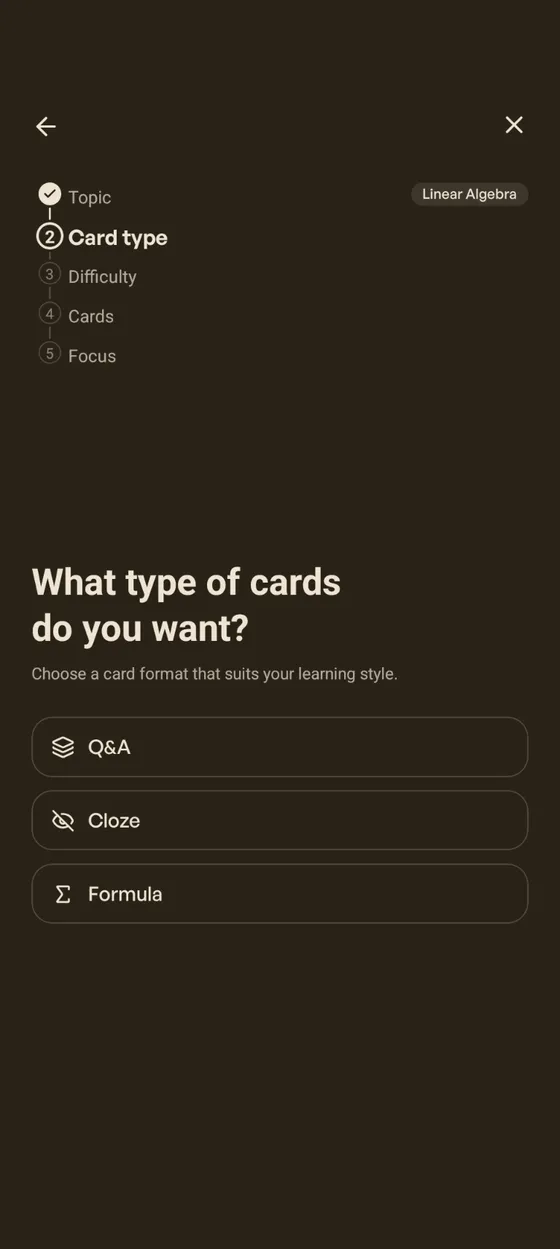
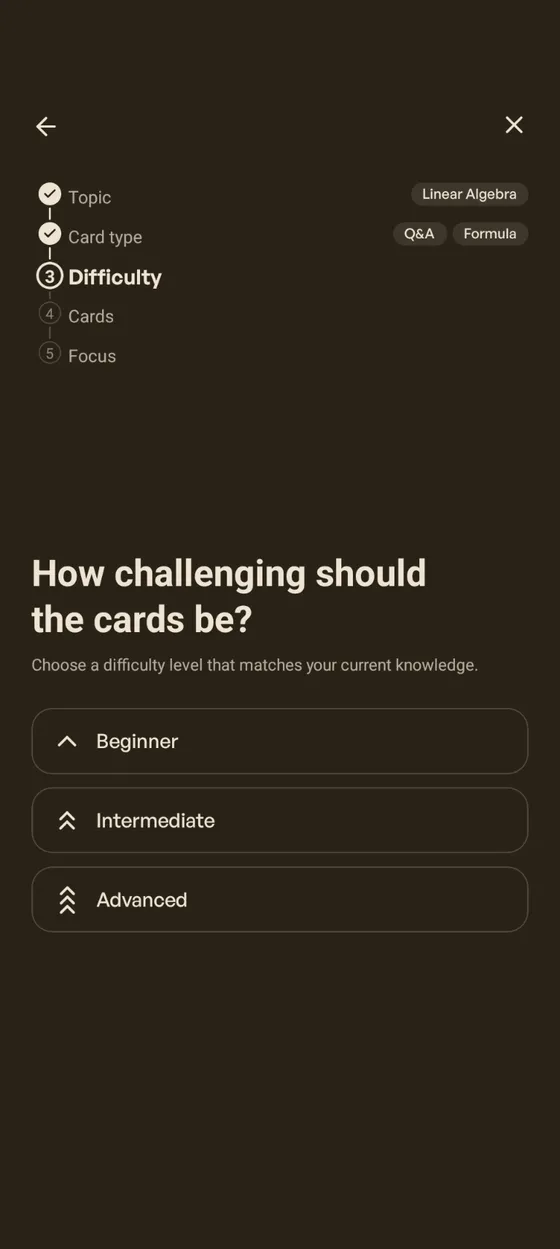
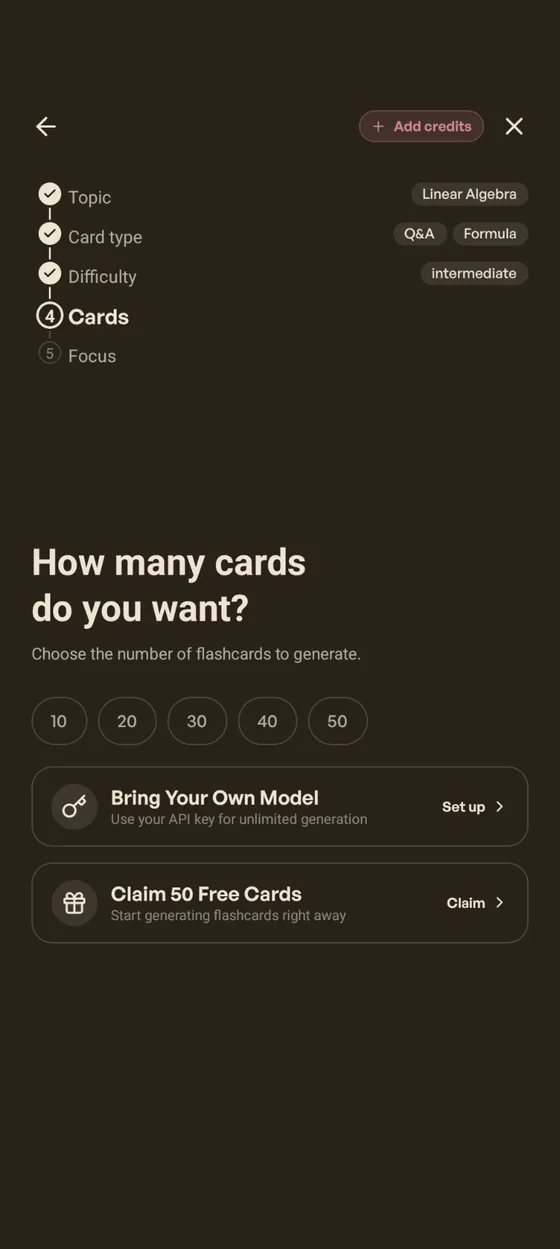
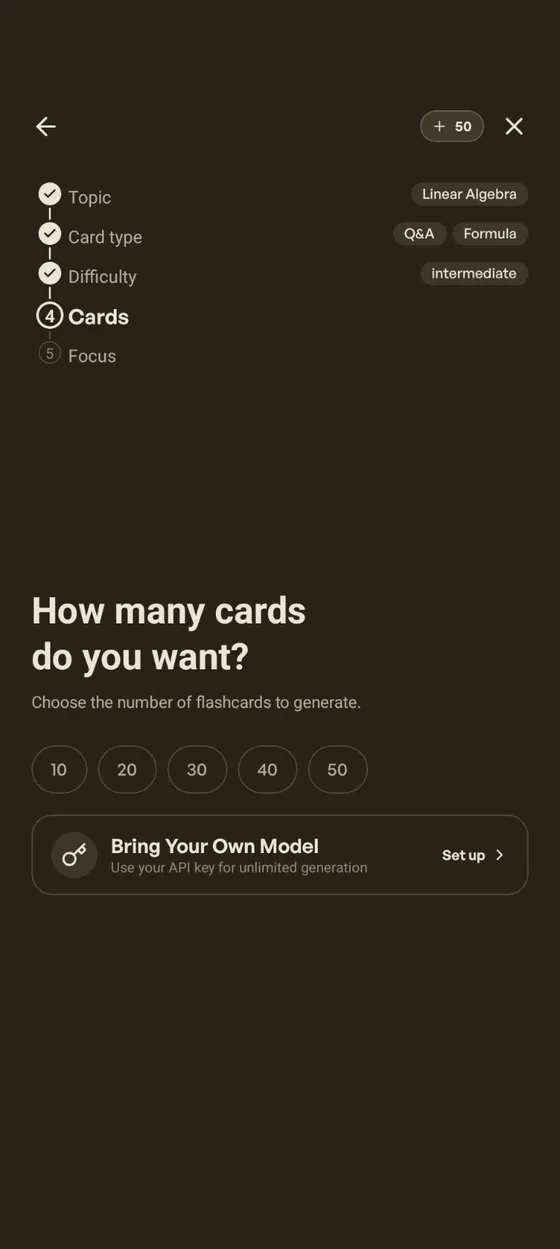
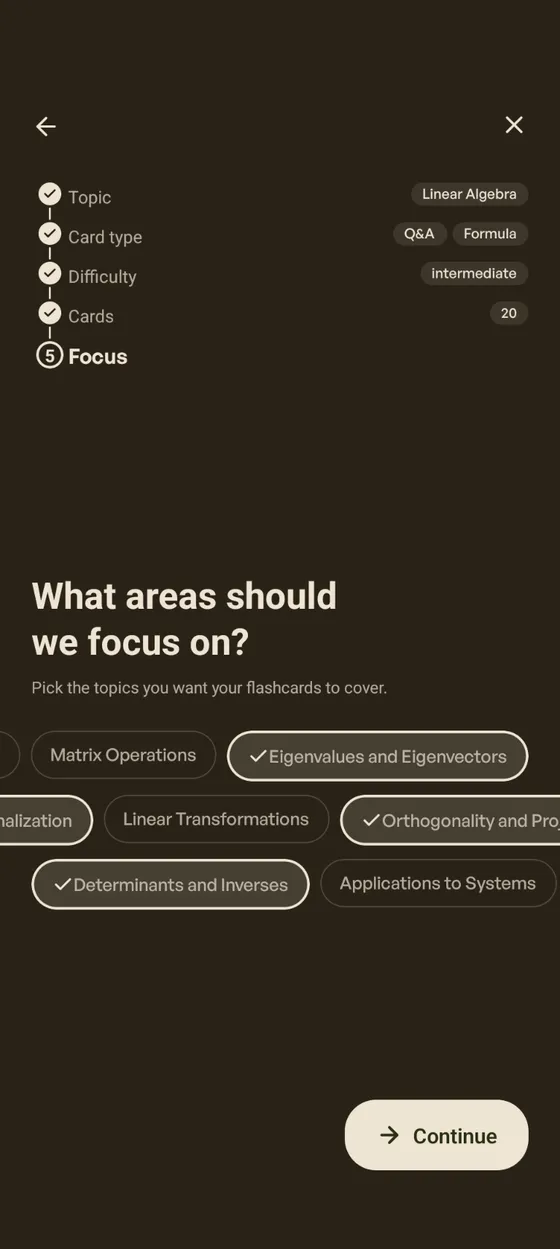
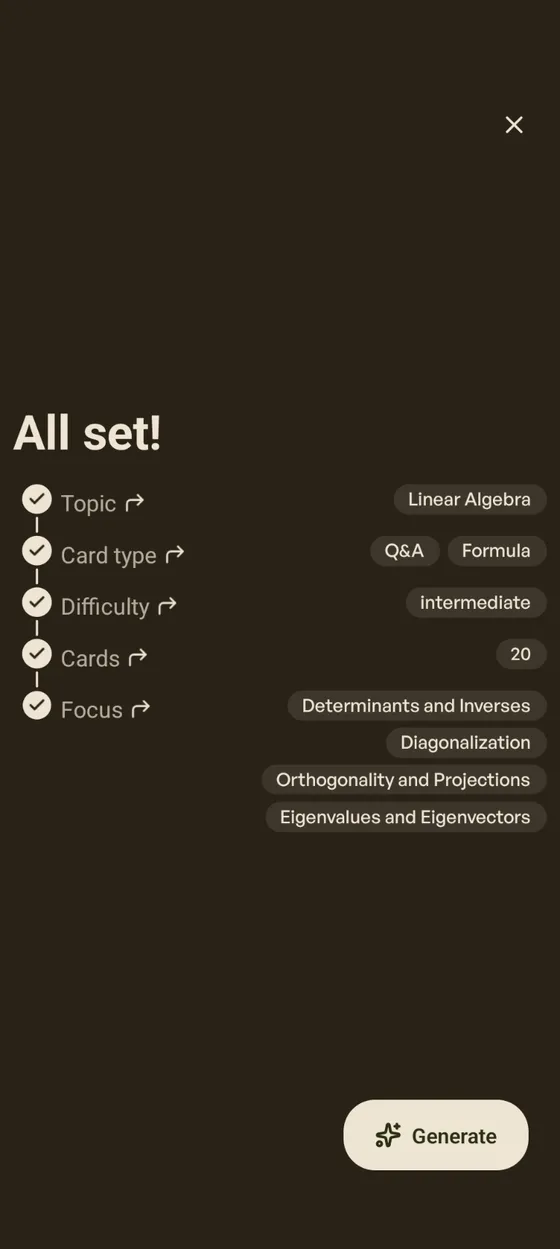
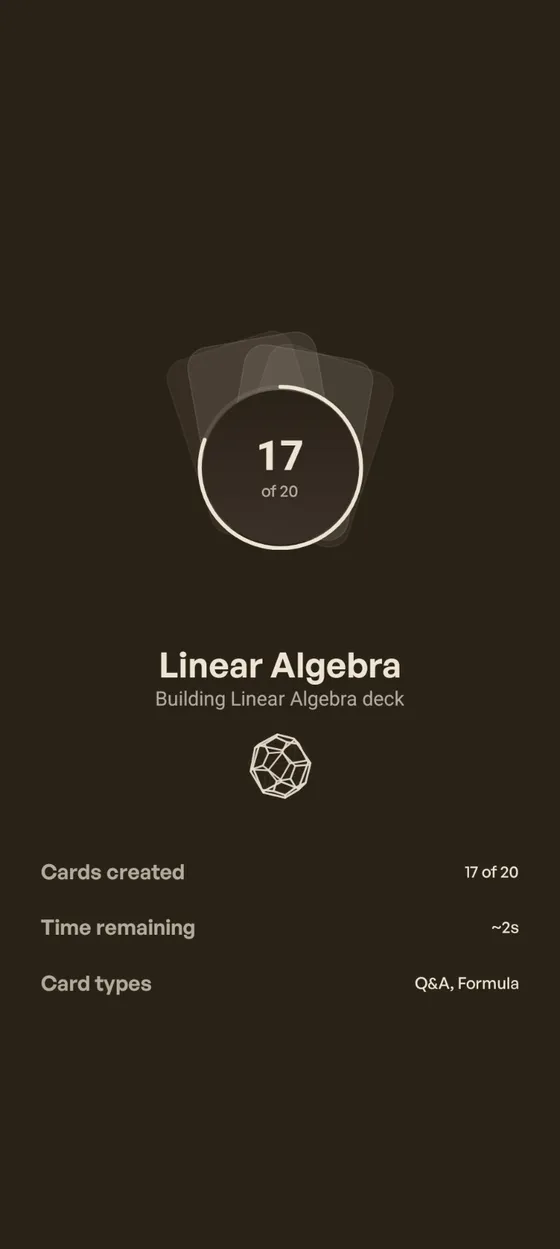
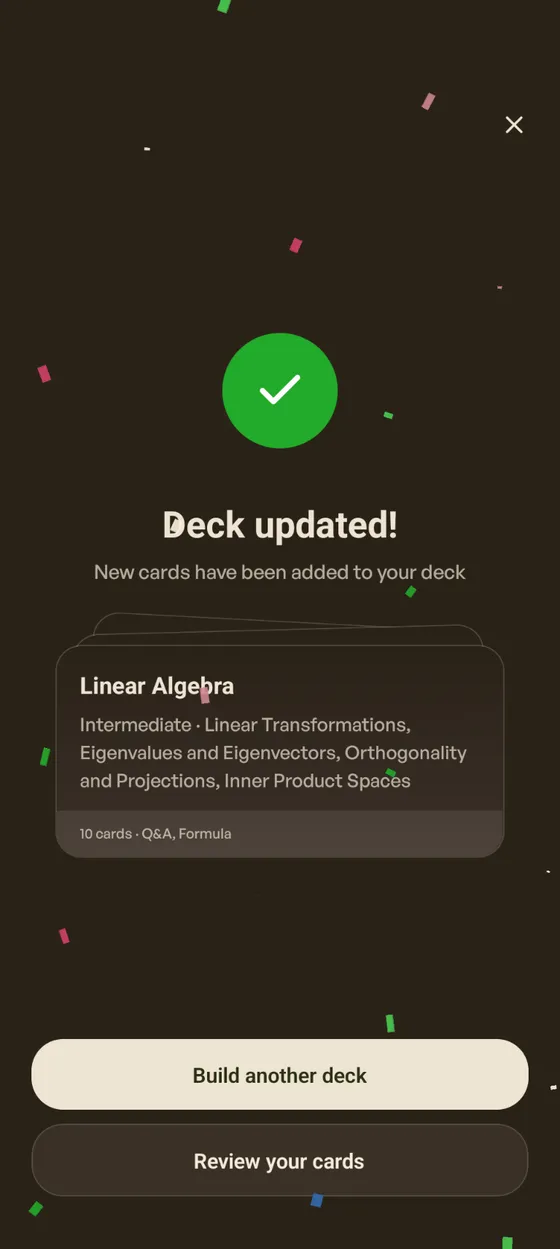
Focused Cards Generation Flow
Try This Week
-
If having a provider API key, set up Bring Your Own Model in settings, then pick your favorite model for unlimited generation.
-
Run through the Generation flow on topics you’re currently studying and see how the focus areas narrow the output.
What’s Next
At Hashcards app, the focus is to stay up to date with FSRS improvements, and make every addition intuitive for mobile users. The following is what’s planned next. Some will take time, as getting the details right while keeping things simple takes iteration.
-
Schedule a Break — plan time off and let FSRS redistribute your cards around it.Done in week #3 -
Postpone Due Cards — push back cards you’re most likely to remember.Done in week #3 -
Advance Undue Cards — pull cards forward when you want to study early.Done in week #3 -
Reschedule All Cards — recalculate every due date from your full review history.Done in week #3
Hashcards: Knowledge that stays. Build cards. Then remember them.